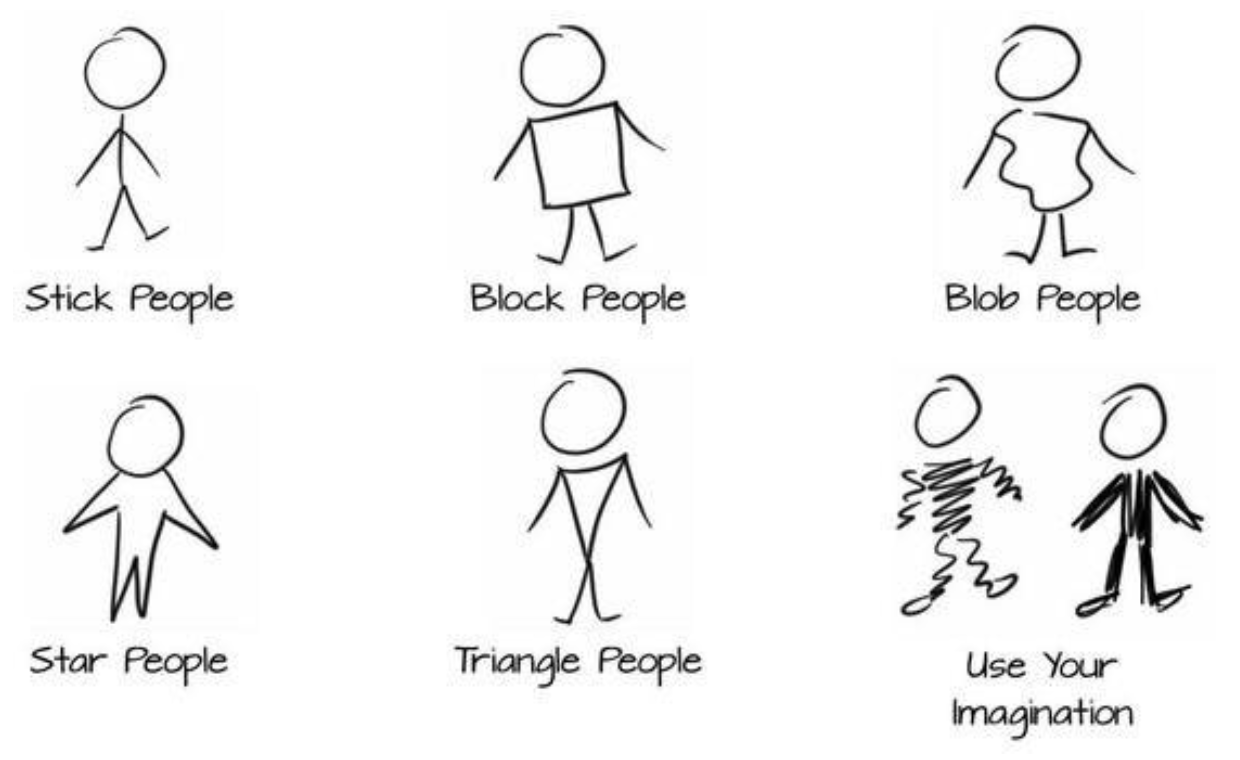
Introduction
A storyboard in the realm of Human Computer Interaction, is a hand-drawn comic that features the execution of a task (like a concrete scenario).
Examples
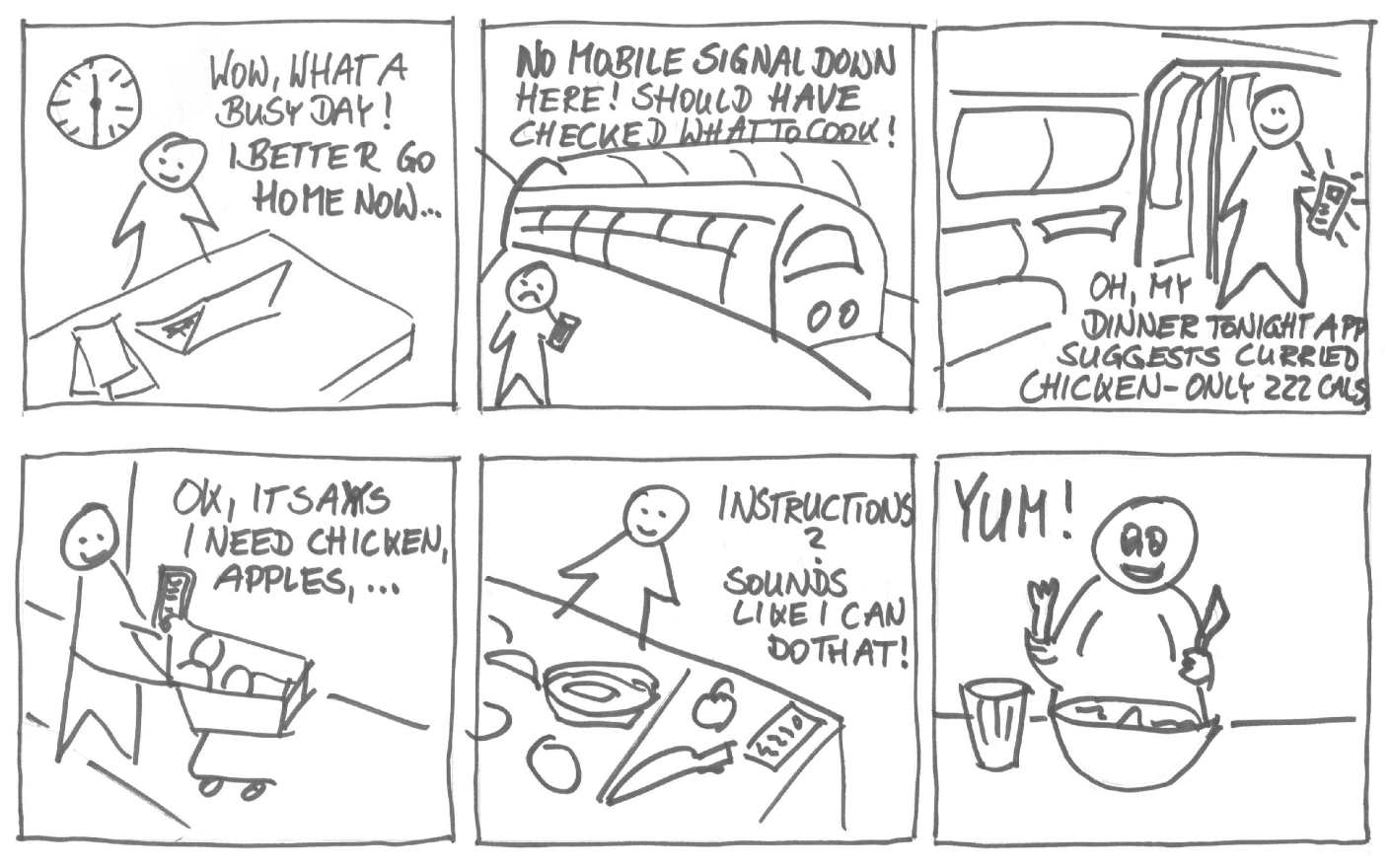
This storyboard illustrates how the app had already downloaded the daily recipe to the user’s smartphone, so he could look it up and check the shopping list while on the underground, before shopping for ingredients and making a healthy meal:
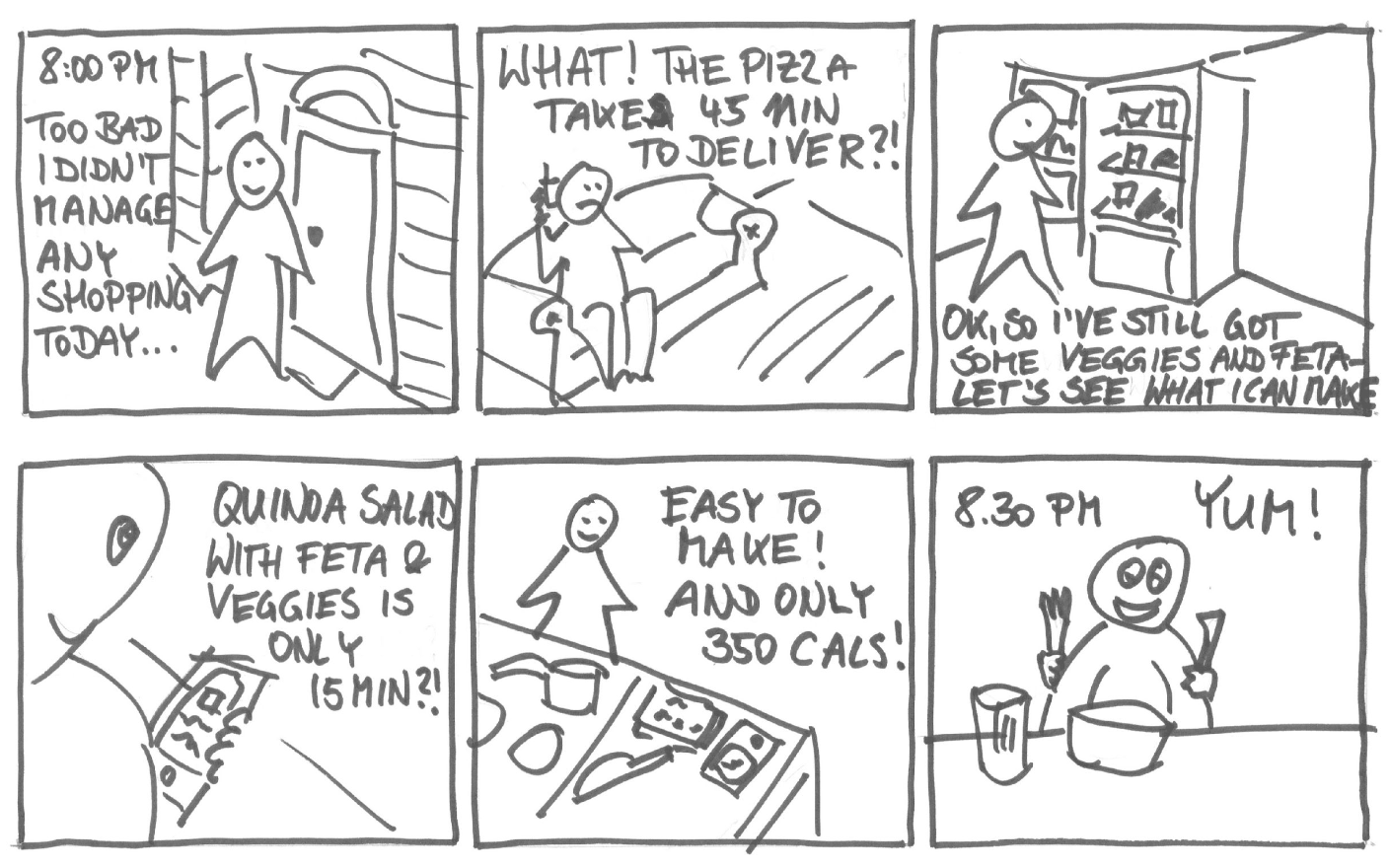
This storyboard illustrates how the app can show the user that a home cooked meal can be quicker than ordering food delivery, using left over ingredients in the fridge:
Storyboards Should Convey …
Setting:
- People involved
- Environment
- Task being accomplished
Sequence:
- What steps are involved?
- What leads someone to use the system? (trigger event)
- What task is being illustrated?
Satisfaction:
- What’s the motivation for the user?
- What’s the end result?
- What need are you “satisfying”?
NOT UI
The storyboards should not show detailed UI, but just the role the UI plays in helping users achieve their goal.
Types of Storyboards
Traditional storyboarding uses “Comic book” conventions:
- actors, speech bubbles, background.
- notes attached to each scene explaining what is happening
Scored storyboards:
- When the user interface is highly dynamic, or contains specific media elements
- Add specific annotations focusing on movement, colors, sounds, …
Text-only storyboards:
- When the interaction behavior is too complex to compact into an illustration, use a longer text description
Hand-drawn
Hand writing is quick, and imprecise:
- Users feel free to express more comments and suggestions w.r.t. a more “polished” version
- Focus on the content (the graphics is obviously ignored)
- No distraction by fonts, colors, icons, …